How to Open an XM Trading Account (Step-by-Step for Beginners)
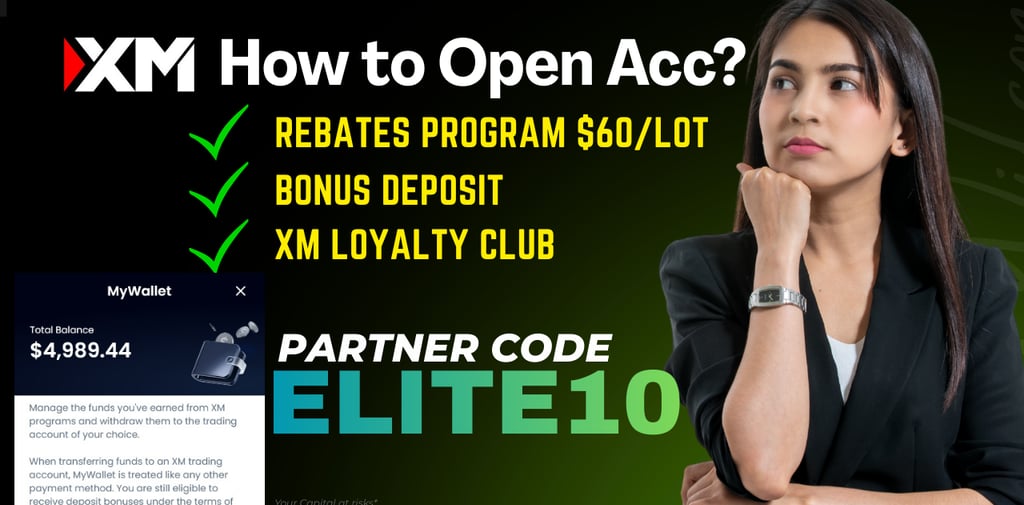
Opening an XM trading account is simple and only takes a few minutes. This guide explains the full process, including registration, verification, and linking your account to the ELITE10 partner code so you can receive daily trading rebates.
Step 1 — Visit the Official XM Account Registration Page from our link
Open your browser and go to the official XM signup page.
Click “Open an Account” to start creating your trading profile.
You will need:
Step 2 — Fill in Your Personal Information
Complete the registration form in English:
First & Last Name
Country of Residence
Preferred Language
Phone Number
Email Address
Make sure all the data matches your ID or passport. This will speed up the verification process.
Step 3 — Select Your Trading Account Type
XM offers several trading account types. For most traders, the most recommended options are:
Ultra Low Standard Account
Micro Account
Step 4 — Enter the Partner Code (must use to earn bonus and rebates program)
To receive cashback on every trade, use this code:
XM Partner Code: ELITE10
With this code, you will get up to $5 per lot rebate for XAUUSD and cashback for other pairs up to $60 per lot rebate
Rebates are credited daily into your XM My Wallet account balance.
Step 5 — Complete Your Trading Profile
Before you can start trading, XM requires you to fill out:
This process usually takes 1–2 minutes.
Step 6 — Upload Your Verification Documents (KYC)
XM needs two documents:
1. Proof of Identity (POI)
Passport
National ID
Driver’s License
2. Proof of Address (POA)
Verification is usually completed within a few hours.
Some country can use National ID for Proof of Identity and Driver's License as Proof of Addres
Step 7 — Log in to the XM Member Area
Once your account is approved, go to the Member Area to:
Download MT4/MT5
Open a Live or Demo Account
Make a Deposit via local banks, crypto, or e-wallets
Check your cashback under My Wallet
Step 8 — Start Trading on MT5 or MT4
Choose your platform:
MT5 Platform (Recommended)
MT4 Platform
Tips for Beginners When Opening an XM Account
Use the Ultra Low account for lowest spreads
Verify your identity early to avoid withdrawal delays
Always use ELITE10 to maximize your cashback
Start with small lots (0.01–0.10) while learning
Frequently Asked Questions (FAQ)
Is XM safe for beginners?
Yes. XM is regulated globally and offers negative balance protection.
How long does verification take?
Usually 1–12 hours after uploading your documents.
Can I open multiple XM accounts?
Yes. You can open multiple MT5/MT4 accounts under one email. and earn rebates from all your trades, as long you add our partner code "ELITE10" on every opening additional trading account
Do I need a partner code?
Yes, if you want cashback daily. Use ELITE10, to get up to $60/lot rebate, GOLD $5 per lot, Forex $3 up to $20 per lot, exotics $20 up to $60 per lot
Final Thoughts
Opening an XM trading account is fast, secure, and beginner-friendly.
If you want to maximize your profits with daily rebates, make sure to link your account using:
👉 Partner Code: ELITE10
👉 Join the MonarchForex community for updates & signals.
keywords : how to open an xm account, xm trading account registration, xm account verification, create xm account, open trading account xm, xm cashback elite10